
By Rivell Editorial Team · Published 2026-08-26
Video surveillance, physical access control, intrusion or fire alarms, network services, and cybersecurity are separate scopes even when a project connects them. An integration plan should identify which systems are included, which interfaces are expected, who owns each component, and which tests will prove an interface works. This checklist organizes those questions; it does not imply that every Rivell physical-security project includes every system or monitoring service.
Project Goals and Site Conditions
Before selecting any equipment, a project should start with the goals and physical conditions of the specific site: building layout, existing wiring, occupancy type, entry points, and any insurer or landlord requirements. Two properties of similar size can need very different designs once sightlines, power availability, and network capacity are factored in. Document these conditions up front, and revisit them whenever the building, tenancy, or use case changes.
Camera Coverage: What Video Surveillance Can and Cannot Guarantee
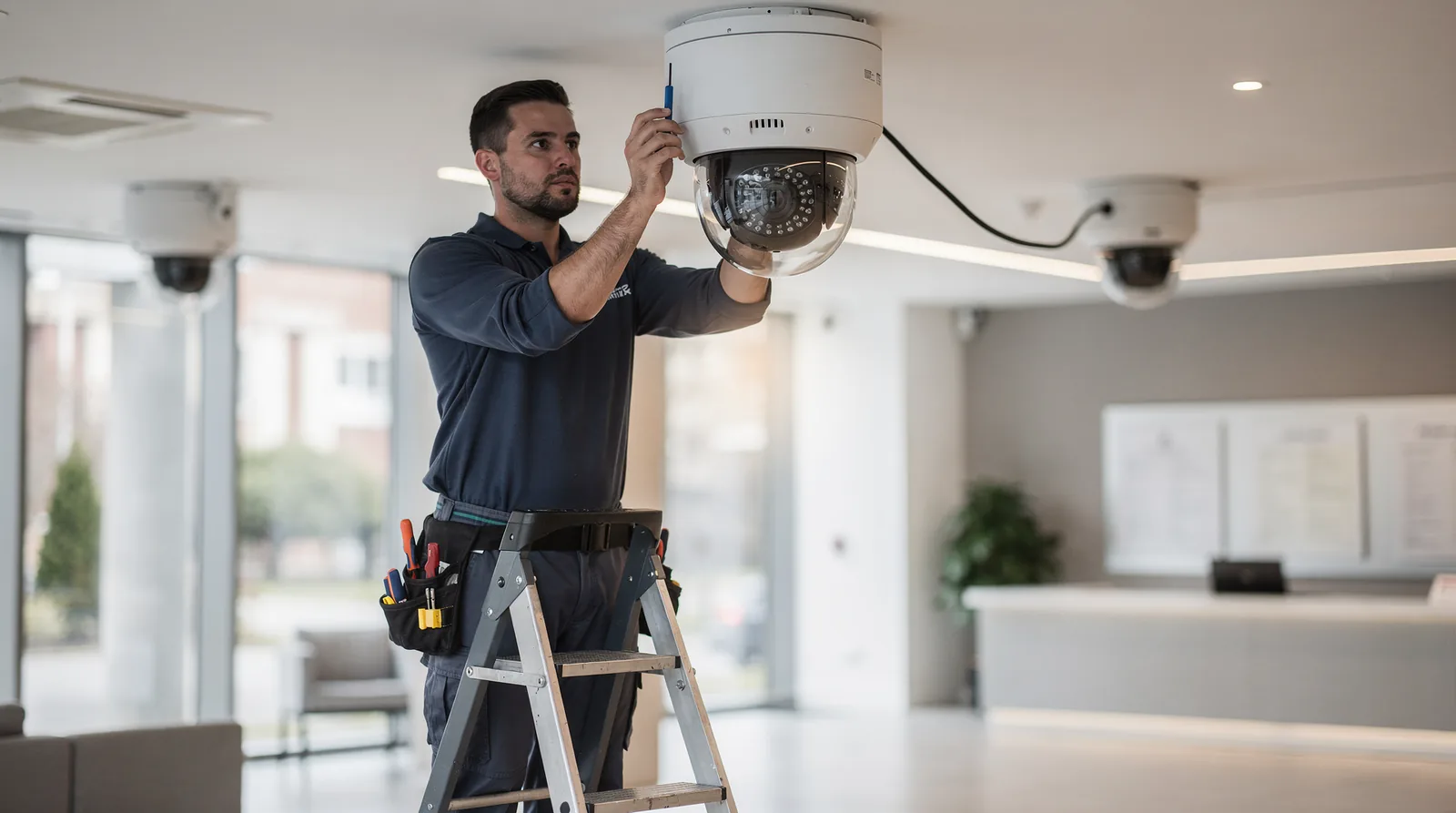
Rivell’s video surveillance systems combine cameras with recording and alerting components as part of a commercial video surveillance NJ deployment. Camera placement is limited by sightlines, lighting, obstructions, property layout, approved scope, and known blind spots — no camera layout provides complete coverage of a property, and installing cameras does not by itself guarantee that an incident will be prevented or captured. Coverage should be treated as one planning input among several, with covered areas, blind spots, and how gaps will be handled documented for each project.
Recording, Retention, and Privacy
Recording length, storage location, retention, audio, camera placement, access, and disclosure rules depend on the site, technology, workforce, contracts, industry, and applicable law. Project stakeholders should document operational needs and data flows, but qualified legal counsel should determine the rules that apply. A system design or provider checklist does not establish that a proposed use is lawful or appropriate.
Access Control: Credentials and Offboarding
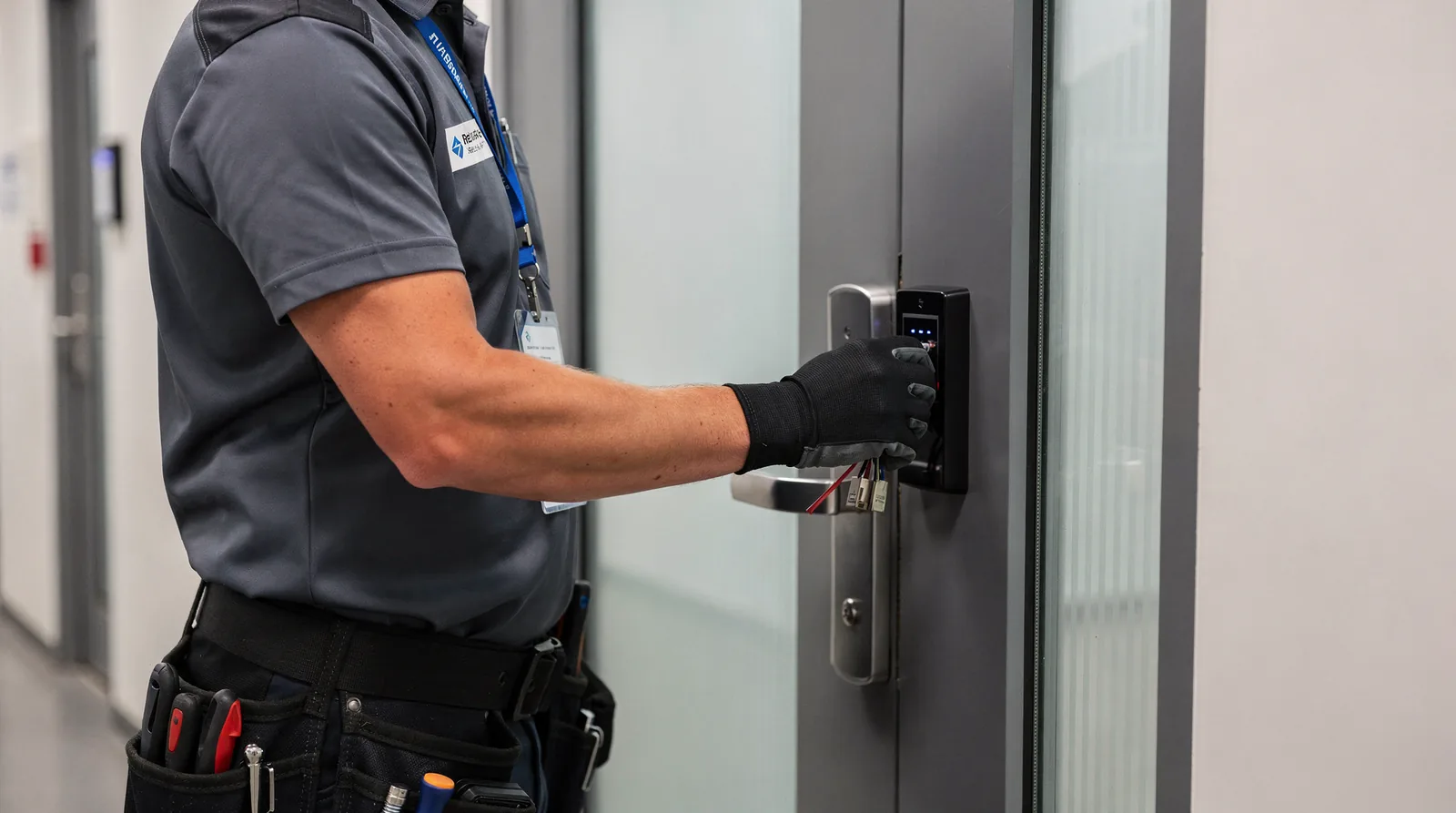
Rivell’s access control systems manage entry using keycards, keypad codes, or mobile credentials as part of an access control installation NJ project. Each project should document how credentials are issued, how many access levels exist, and the exact offboarding process — who deactivates a badge or credential, in which system, and on what timeline. Badge deactivation and network account deactivation run through separate systems unless a project specifically integrates and tests that connection; confirm the offboarding workflow for each site rather than assuming the two update together automatically.
Alarms and Monitoring Workflow
Fire alarm, intrusion alarm, and other life-safety or security work can involve different equipment, licenses, permits, inspections, monitoring arrangements, and authorities. Review the proposed category and business credentials against the current laws and regulations published by the New Jersey Fire Alarm, Burglar Alarm and Locksmith Advisory Committee, then confirm permits, inspections, and approvals with the authority having jurisdiction. The proposal should separately identify equipment, installation, programming, monitoring, notification workflow, and ongoing service; do not infer one category from another. Rivell’s commercial alarm systems page describes the adjacent commercial service.
Network, Power, and Cybersecurity Dependencies
IP cameras and access control components commonly use network connectivity and local power, while other alarm or communication paths may use cellular, dedicated, or manufacturer-specific connections. Inventory each device, connection, power source, remote-access path, and operating owner instead of assuming one universal architecture. Rivell’s network design and installation services can address assigned network work, while cybersecurity services can address assigned device-security work; exact coverage remains limited to the written project scope.
The NISTIR 8259A IoT device capability baseline covers capabilities such as device identification, configuration, data protection, logical access to interfaces, software update, cybersecurity-state awareness, and device security. Use it as a question set when selecting network-connected components, then verify the actual manufacturer documentation and project configuration.
Integration Boundaries: What Connects and What Doesn’t
Not every camera, access control panel, or alarm platform is compatible with every other platform. Before assuming systems will work together, confirm which components actually integrate, what data passes between them, and what remains manual. A video clip triggered by an access control event, for example, requires that both systems support the integration and that it has been configured and tested — it does not happen automatically just because both systems are installed on the same site.
Commissioning and Acceptance
Before completion, test each component against a written acceptance checklist: camera views verified on-site, access credentials tested at each door, network and power dependencies checked, and alarm functions tested only under the procedure approved for the installed system by the provider, manufacturer instructions, and authority having jurisdiction. Do not generate or transmit live alarm signals outside that coordinated procedure. Record test results, recipients, exceptions, and outstanding items at handover.
Ownership and Training
Assign clear ownership for the system after installation — who manages user and credential changes, who reviews footage or alarm events, and who is the point of contact for troubleshooting. Provide training for the staff who will operate the system day to day, covering credential management, alarm response steps, and basic troubleshooting, and document who was trained and when.
Lifecycle Records to Keep
Maintain records for the life of the system: as-built diagrams, device inventories, warranty and service agreements, credential and permission logs, inspection and testing dates, and any change requests. Keeping these records current makes future service calls, insurance reviews, and system expansions faster, and reduces reliance on any one person’s memory of how the system was configured.
Provider Checklist by System Area
Use the table below as a starting checklist when planning or reviewing a physical security integration project. Confirm the specifics of each item with your provider before installation.
How Service Categories Differ
Video surveillance, access control, commercial alarm systems, network design, and cybersecurity are related but distinct service categories, each with its own scope, equipment, and vendor requirements. A given project may involve one, several, or all of these categories. Confirm with your provider which categories are included in a specific proposal and which are handled separately, so expectations about coverage and support match what is actually being delivered.
Frequently Asked Questions
Does a video surveillance system guarantee that incidents will be prevented or fully covered? No. Camera placement is limited by sightlines, lighting, obstructions, property layout, approved scope, and known blind spots, and no camera layout provides complete coverage of a property or guarantees an incident will be prevented or captured.
Does adding physical security technology make our network more secure? Not by itself. For each network-connected component, document supported segmentation, access controls, update methods, logging or alerts, remote-access paths, and operating ownership. Required controls depend on the device, architecture, risk, and written project scope.
Are fire and burglar alarm requirements the same for every building? No. Requirements and approvals vary by building, use case, authority having jurisdiction, insurer, local code, and project scope, so permit and inspection needs should be confirmed for each project.
Does deactivating an employee’s access badge automatically remove their network access? No, unless a project specifically integrates and tests that connection. Badge and network account deactivation otherwise run through separate systems and processes.
What determines how long recorded video is retained? Retention depends on camera count, resolution, and the storage plan selected for the project, along with any applicable privacy requirements — these should be documented and confirmed rather than assumed.
Conclusion
Physical security technology works best when cameras, access control, alarms, networking, and cybersecurity are planned together rather than purchased piecemeal — but every project still depends on site-specific decisions about coverage, retention, credentials, monitoring, permits, and support. Use this checklist as a starting point for those conversations, and confirm the specifics of integration, monitoring, retention, privacy, response workflows, permits, inspection and testing, and ongoing support directly with your provider for each project.
